

Windows 11's Weather app reportedly uses 5x the RAM of the Mac version
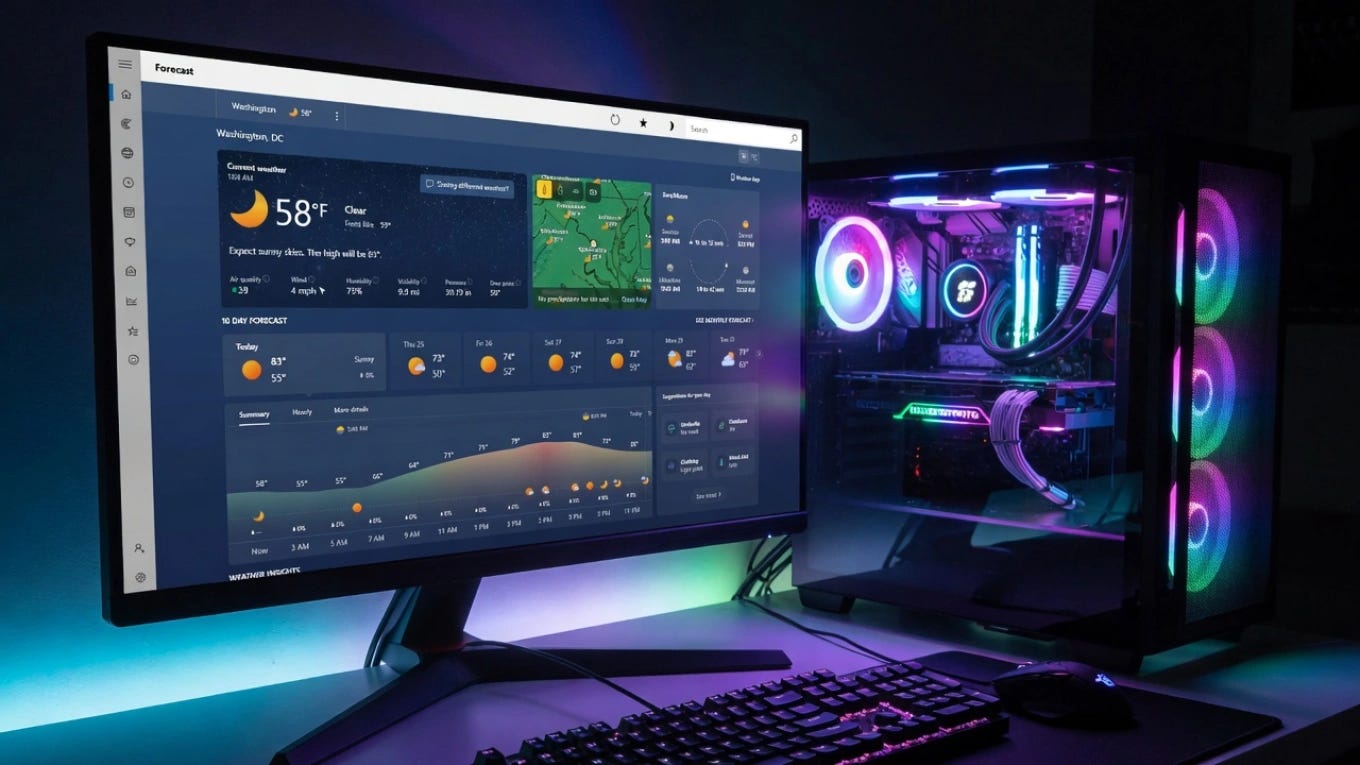
A Windows Latest test found Windows 11’s Weather app using over 1.2GB of RAM, versus about 247MB for the native macOS Weather app. The reason: Microsoft’s version is basically a website running in a browser engine, and it shows ads.
Windows 11‘s built-in Weather app may be one of the most resource-hungry ways to check if it’s raining, using several times more memory than its Mac equivalent to do the same simple job.
In a test by Windows Latest, the Weather app consumed over 1.2GB of RAM. For comparison, Apple’s native macOS Weather app used around 247MB in the same kind of test, roughly a fifth as much. And the Windows app serves ads while doing it.
The reason isn’t a bug. It’s the architecture.
Why a weather app needs a gig of RAM
The explanation is that Weather isn’t really a Windows app at all.
When the tester expanded the process tree in Task Manager, Weather had spawned nine separate Chromium sub-processes. That’s because the app is built on WebView2, Microsoft’s framework for embedding a Chromium browser engine inside an app.
In plain terms, Windows 11’s Weather app is essentially a website, specifically an MSN-branded web page, rendered through a full browser engine rather than built as a native Windows program.
Apple’s Weather app, by contrast, is a single native process. That’s the whole difference: one is a real app, the other is a web page wearing an app’s clothes, and the browser engine is where the memory goes.
The honest caveat on the number
Before treating 1.2GB as gospel, the measurement deserves a caveat.
RAM usage is genuinely tricky to measure. Shared libraries, how Windows accounts for browser sub-processes, and what else is running can all affect the figure, and this is a single test from one outlet.
Some observers have pushed back that the raw number may overstate the app’s true footprint. It’s also worth noting the prompt-level framing of “idle” isn’t quite right, Windows Latest measured it with the app open and active, not sitting untouched.
So the precise gigabyte figure is soft. The underlying point, that a weather utility is running on a browser engine, is not, and that’s the part that actually matters.
Why it’s more than a curiosity
The design has real consequences, and they land hardest on the people least able to spare the memory.
On a high-end PC with 32GB of RAM, an extra gigabyte for Weather is a shrug. But on an entry-level laptop with 8GB, opening the app can add enough memory pressure to make the whole system lean on the page file and feel sluggish.
That’s a real problem, because it directly contradicts Microsoft’s stated push to make Windows 11 run better on low-end hardware.
The ads are the extra insult. Because Weather is an MSN web wrapper, it carries sponsored content baked right into the forecast feed, ads, in a built-in operating-system app, on a machine you already paid for.
Whether it gets fixed
There’s a path forward, and Microsoft has hinted at walking it.
The company spent this year updating several inbox apps, Calculator, Paint, Photos, and others, to be better and more native. Weather wasn’t on that list, and it’s easy to see why: it’s an MSN-branded web property, not a traditional app.
Microsoft’s native-app lead committed in March to building fully native Windows apps, but it’s unclear whether that extends to MSN-branded ones like Weather.
Until it does, checking the forecast on Windows 11 means quietly running a browser, and a few ads, to find out whether to bring an umbrella.
Apple does it in a fifth of the memory with no ads.
Article compiled and edited by Derek Gibbs (entertainment editor) and the Clownfish TV newsroom.
D/REZZED is part of Clownfish TV. For more news, views, and rants on gaming, tech, and pop culture, visit clownfishtv.com. Watch the show on YouTube at @ClownfishTV where new episodes drop daily. Subscribe to the Clownfish TV podcast on Apple Podcasts, Spotify, iHeart, and wherever else you get your podcasts. Sign up for the free newsletter at more.clownfishtv.com.
Hat Tips:
Windows Latest (August 9, 2026), verified for the 1.2GB RAM measurement, the nine Chromium sub-processes, the WebView2/MSN-web-wrapper architecture, the 246.7MB macOS Weather comparison, the ads in the forecast feed, the inbox-apps-update context, and Rudy Huyn’s March native-app commitment
Notebookcheck (August 2026), verified for the memory-pressure impact on 8GB and 16GB systems, the page-file consequence, the sponsored-content-in-forecast-feed detail, and the contradiction with Microsoft’s efficiency efforts
XDA / WindowsForum (August 2026), verified for the measurement caveat that RAM figures are complex and unverified, the “during a rainstorm” (not idle) testing condition, and the WebView2 multi-process architecture explanation
OMG Ubuntu (August 2026), verified for the WebView2/Chromium framework use across Microsoft’s apps and the taskbar news-and-weather panel comparison